


Can't find your favorite food truck? We got you covered!
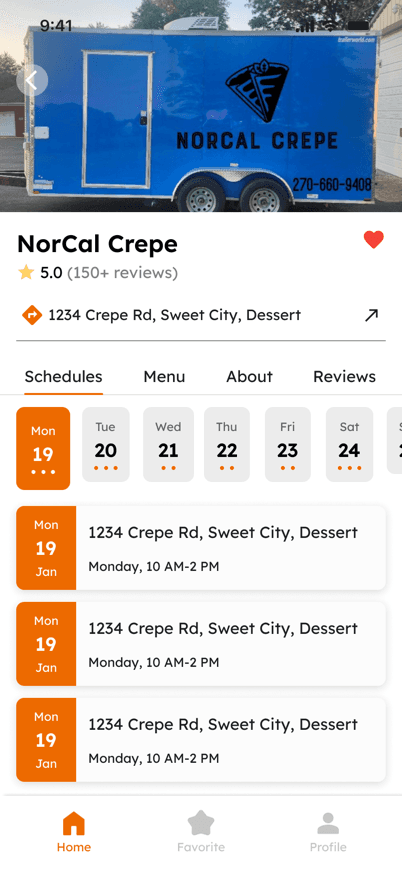
Easily find your favorite food truck, view their schedule and menu, and keep track of where they travel.
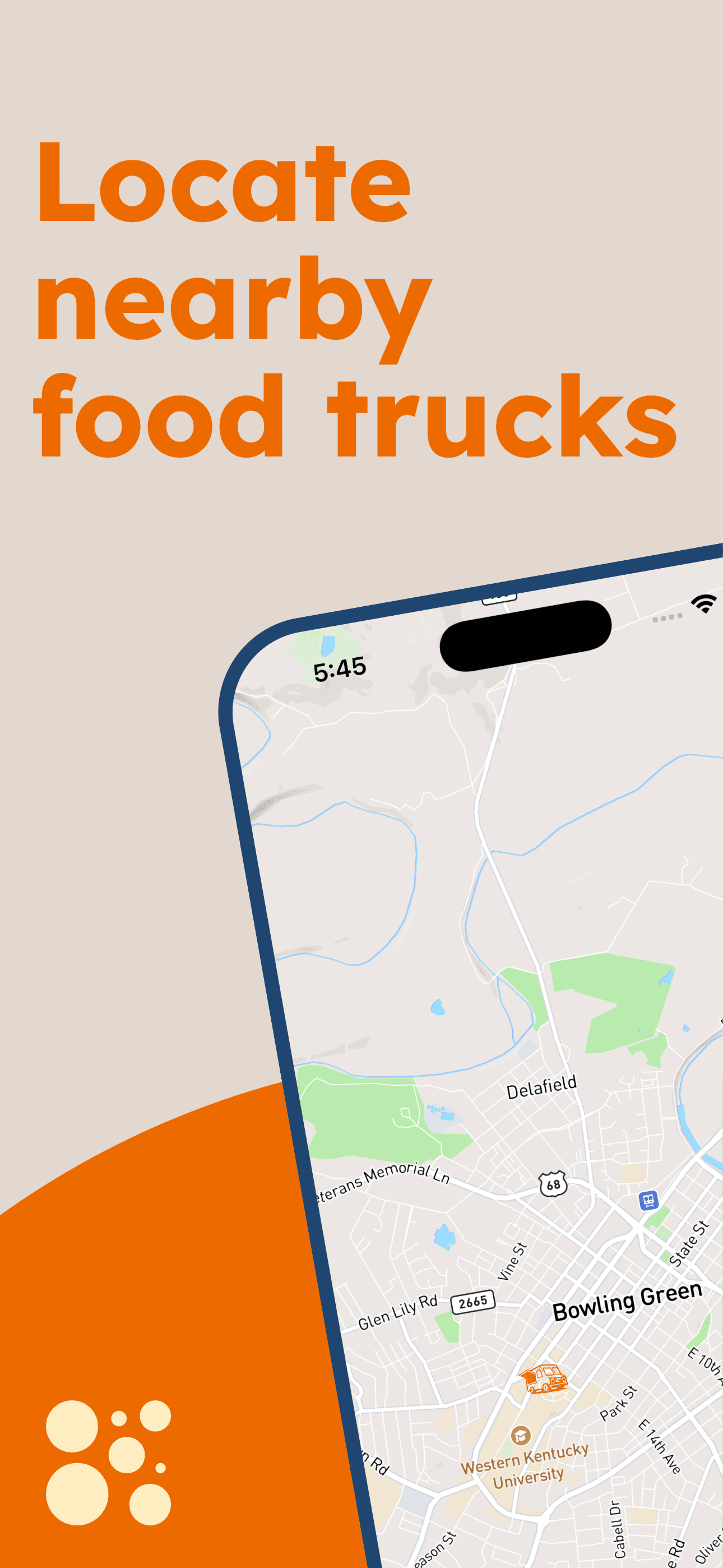
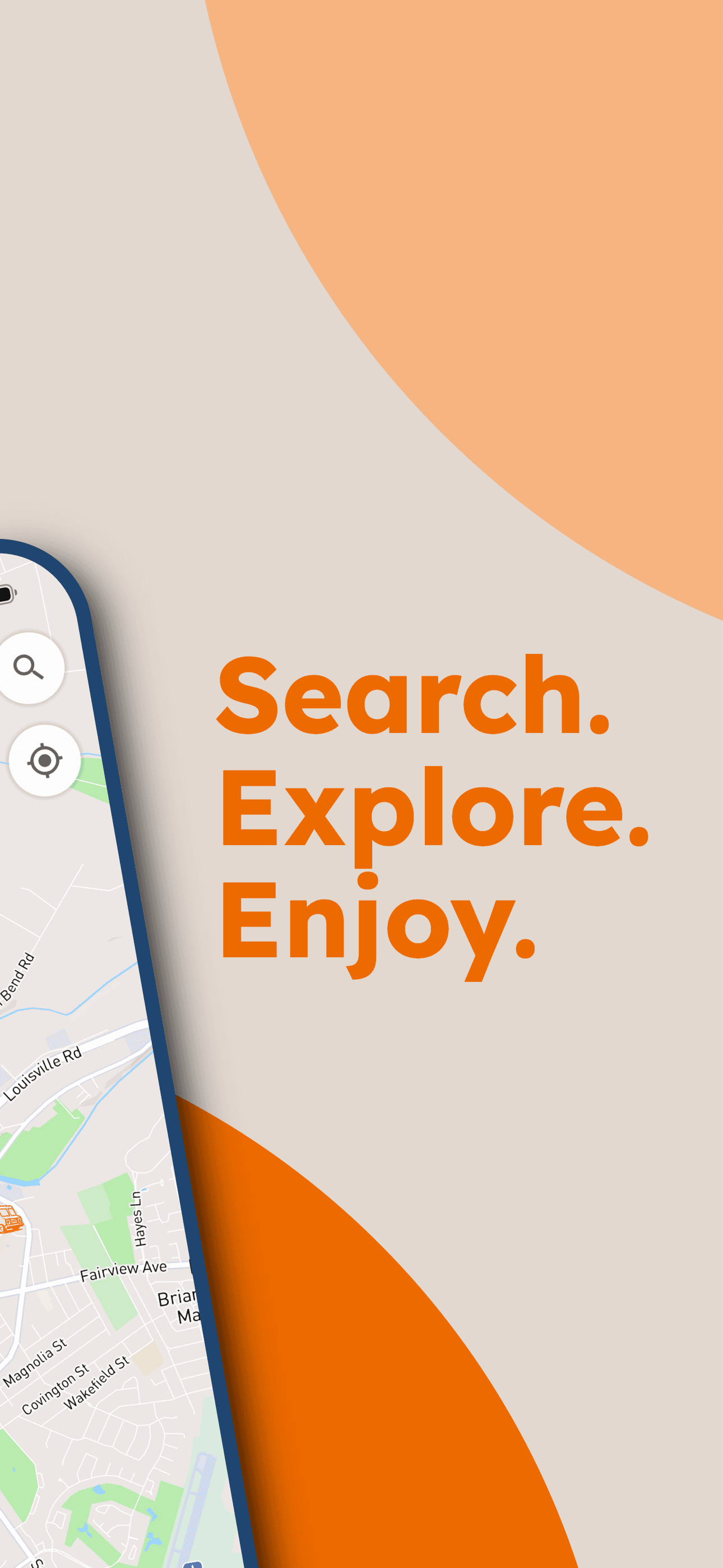
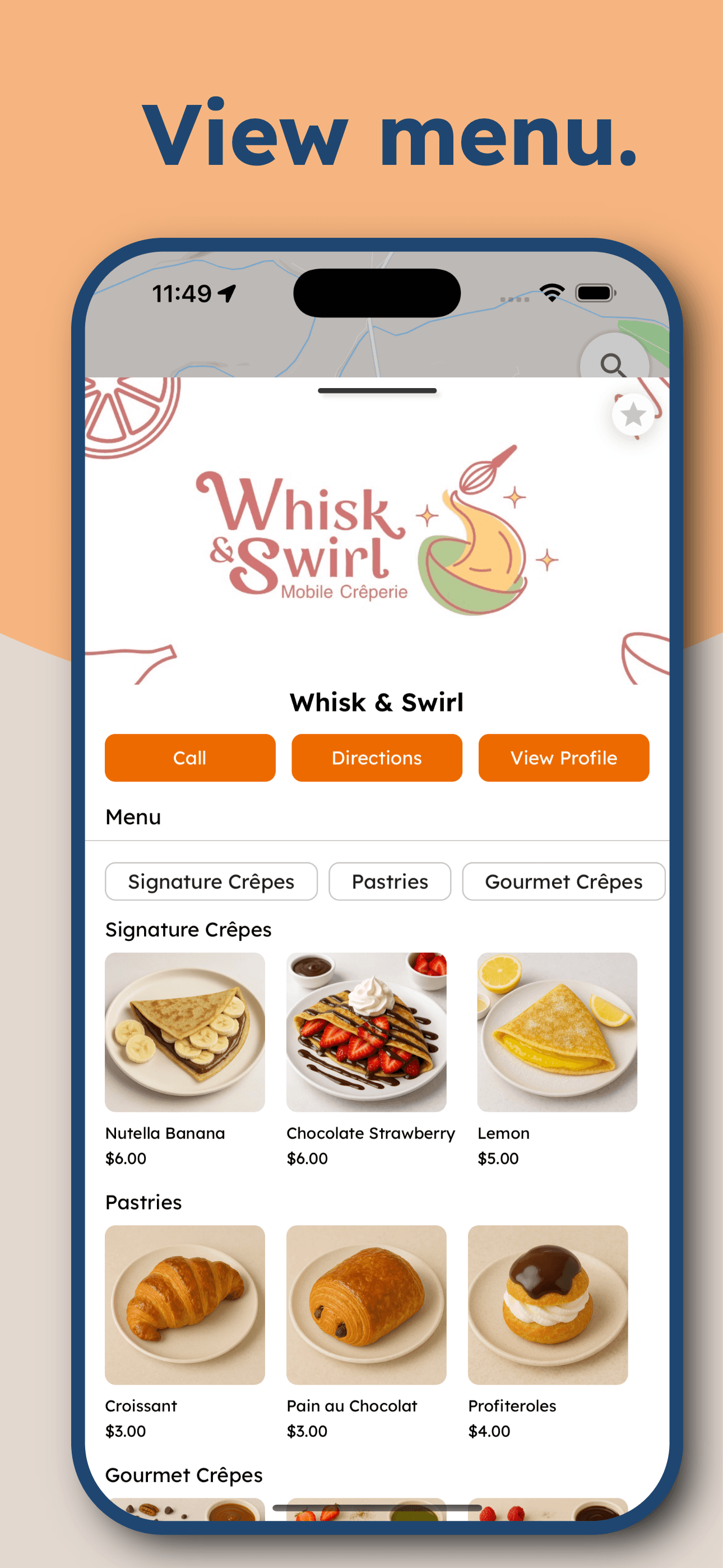
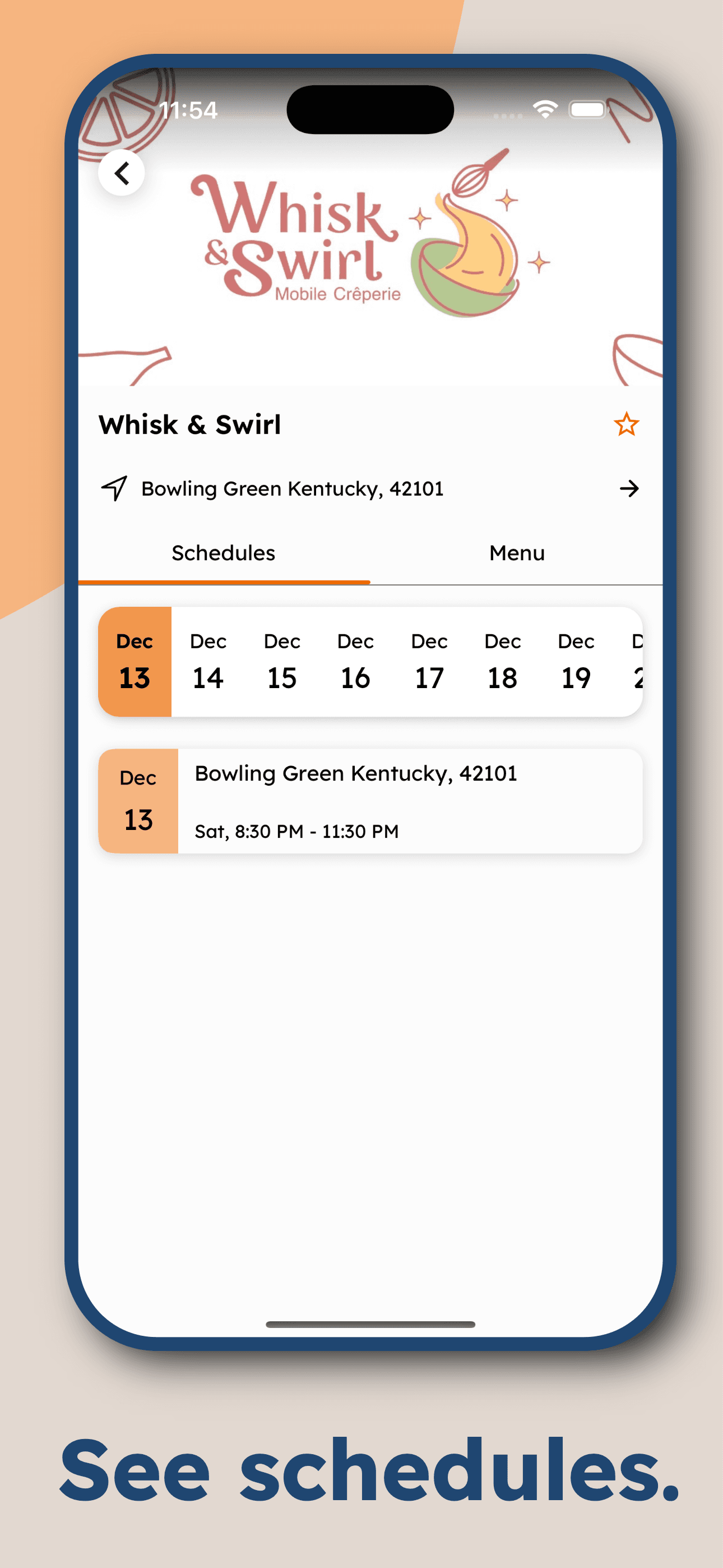
Overview
Challenge
Customers want to support local food trucks, but finding them often feels like a guessing game. Schedules are scattered across social media, locations and hours change frequently, and there is no reliable way for customers to discover nearby food trucks in real time. At the same time, food truck owners lack a centralized tool to communicate updates as their plans change. This disconnect leads to missed sales and frustrated customers. The challenge was to bridge this gap without adding operational burden for food truck owners or friction for their customers.
Objectives
- Provide a way for customers to discover nearby food trucks.
- Allow food truck owners to share real-time location and schedule updates with minimal effort.
- Reduce dependency on social media posts for critical information.
Methodology
- Conducted discovery research (69 survey responses) to validate the need for a food truck discovery tool.
- Designed the customer and vendor experiences in Figma while development was in progress.
- Collaborated with developers to iterate on designs during implementation.
- Tested flows with food truck owners and customers to identify usability issues.
- Refined designs based on feedback and testing insights.
Project Duration
July 2025 - Present
My Role
UX Researcher & UX Designer
Tools
Figma, Google Forms, Canva
Research
Method
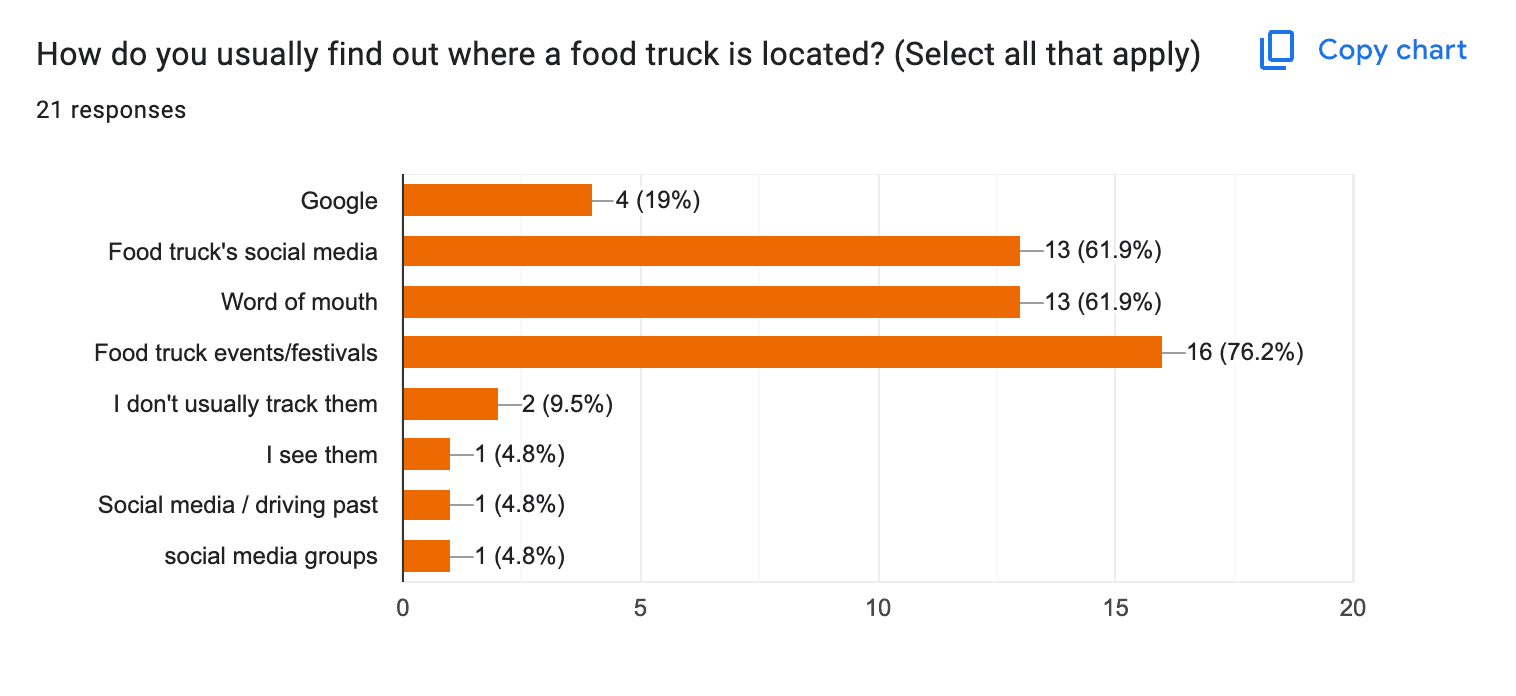
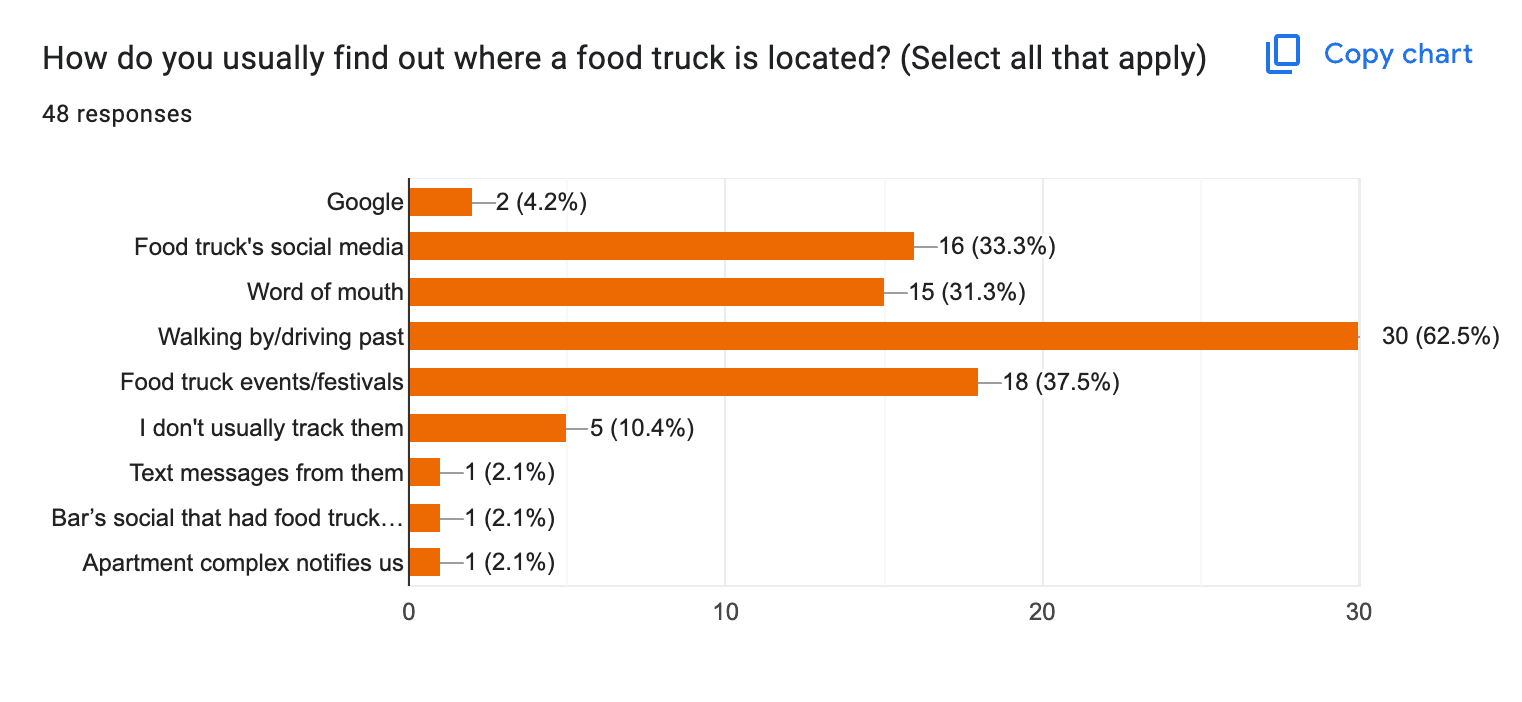
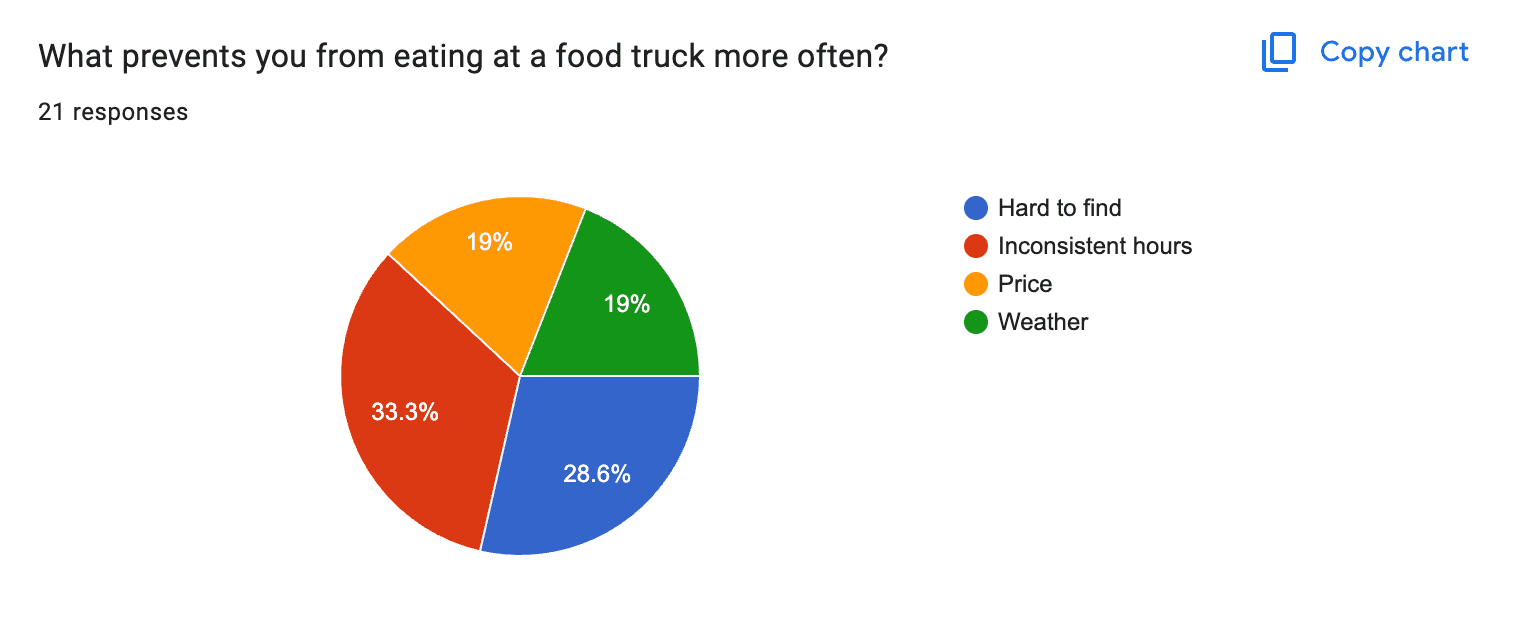
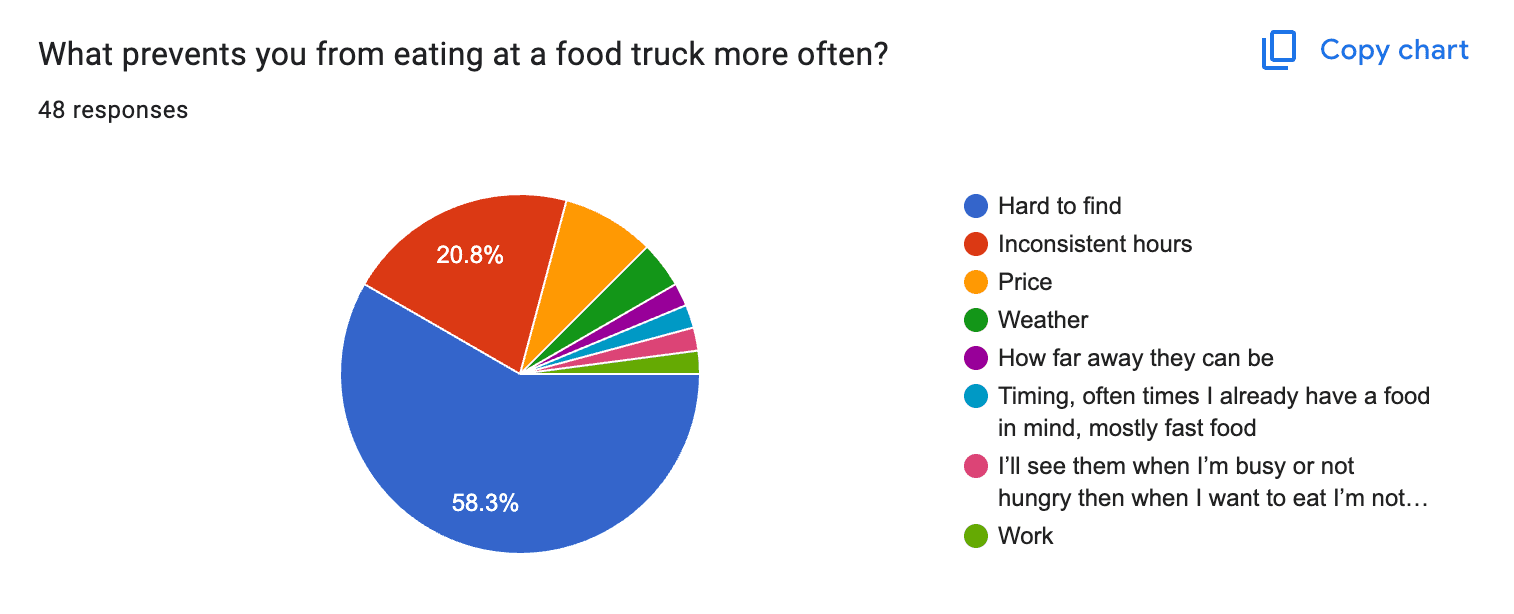
To assess whether a food truck discovery tool was worth building, an exploratory survey was distributed locally. The goal was to understand how people currently find food trucks and how they track schedules. Alongside this, we ran a separate food truck vendor survey to learn how vendors reach their audiences. Across both surveys we collected 69 responses.
Customer Responses
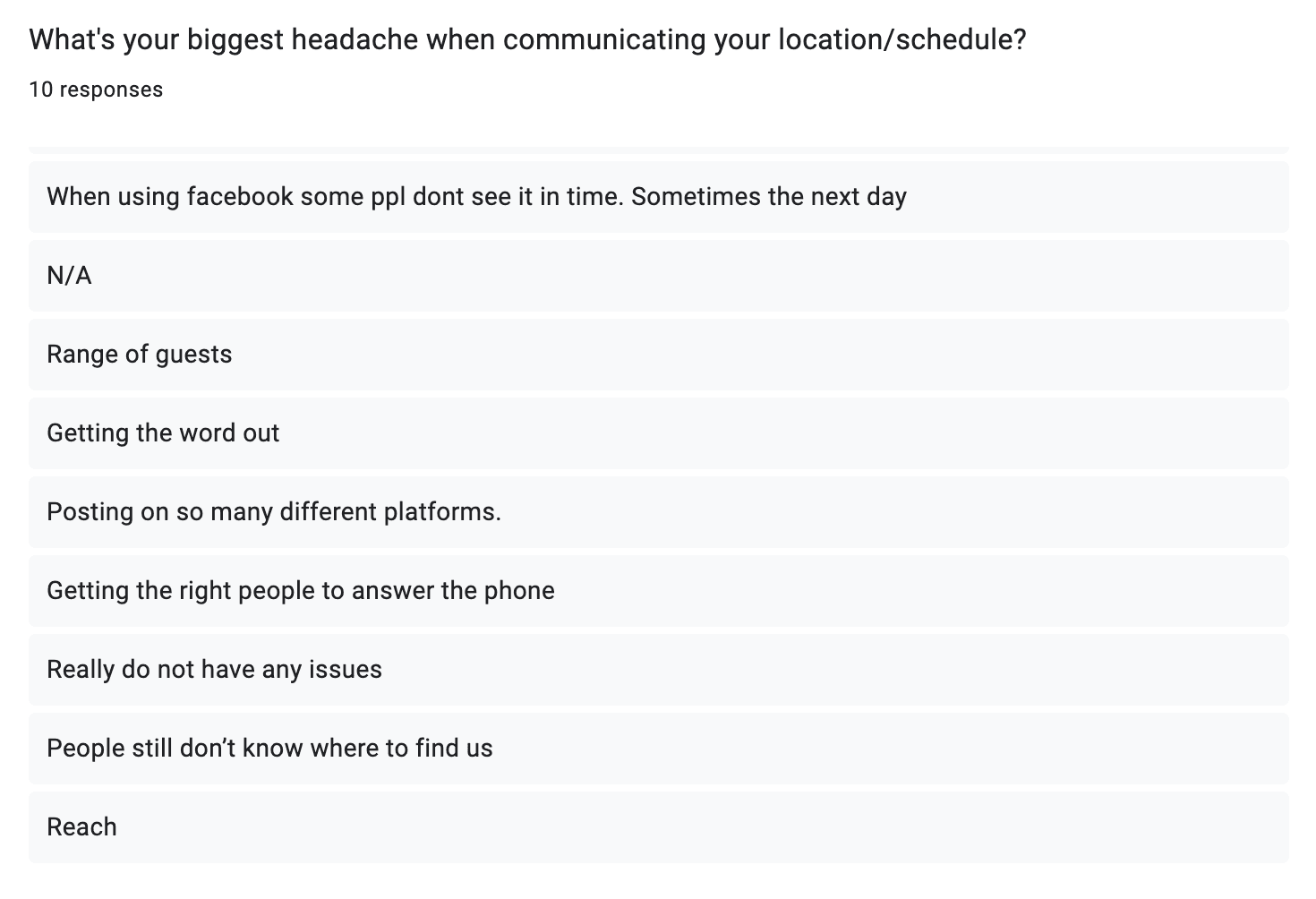
Vendor Responses
Vendors were given a separate survey to evaluate how they reach their customers. Their main pain point is relying on social media to share information: posting across multiple platforms and struggling to get the word out.
Key Insights
- Discovery is a manual search — there is no way of knowing about a truck unless you hear it by word of mouth, happen to see a post on social media, or drive by.
- Inconsistent and difficult to track — customers reported that schedules and hours are often inconsistent, and when something changes they usually don't see it until after the post goes up on social media.
Design
Wireframing
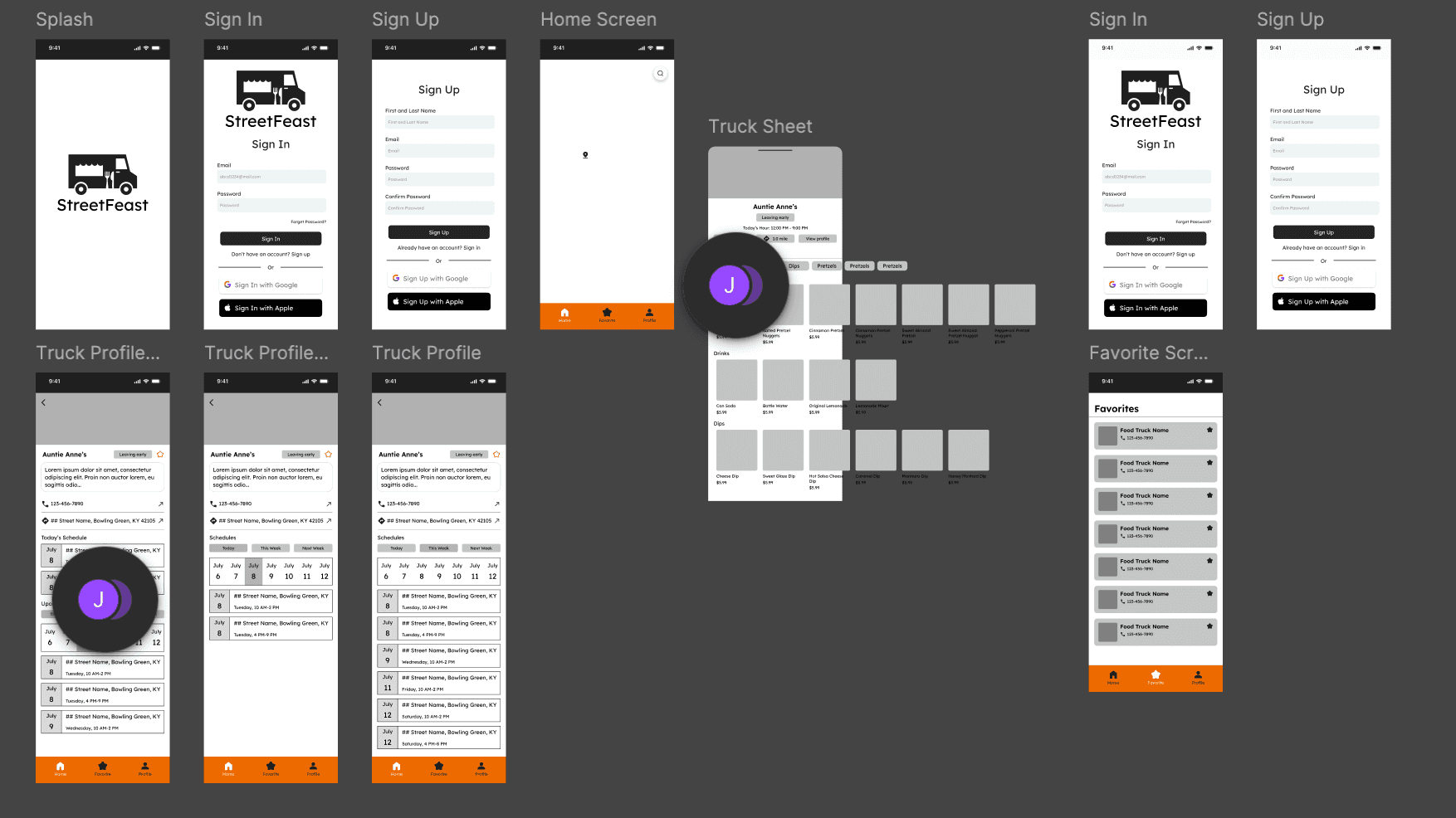
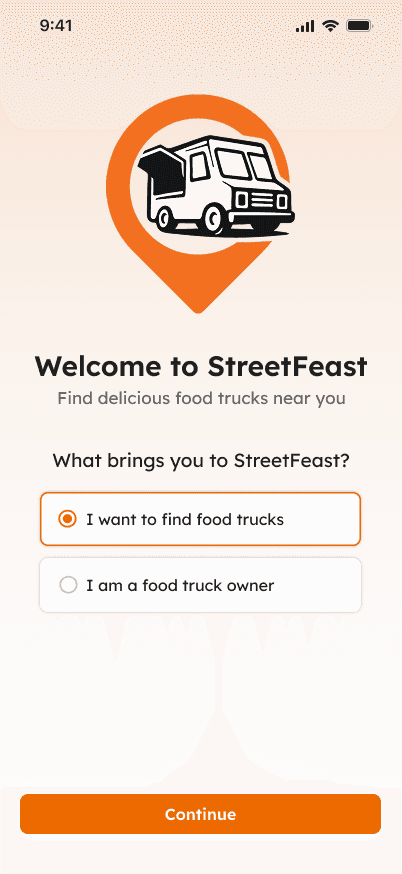
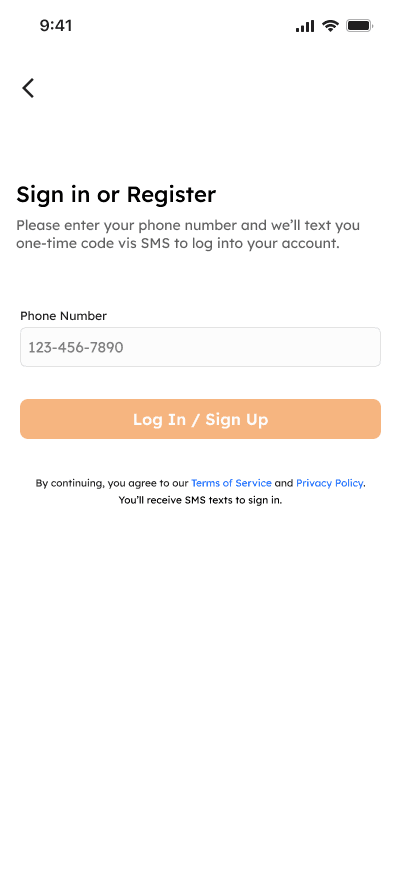
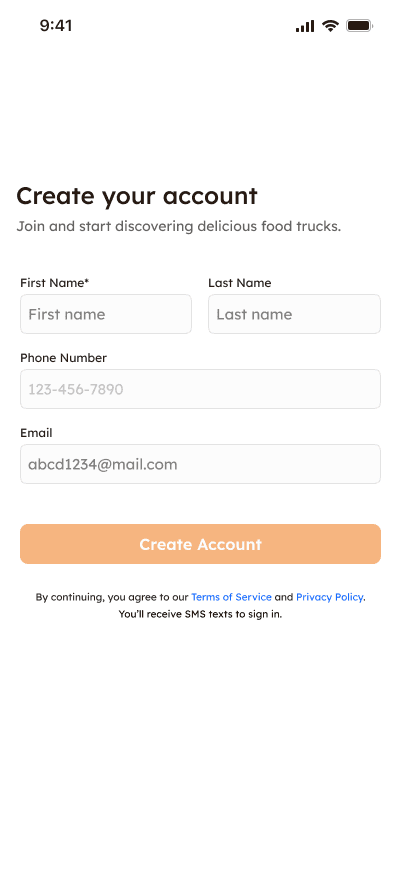
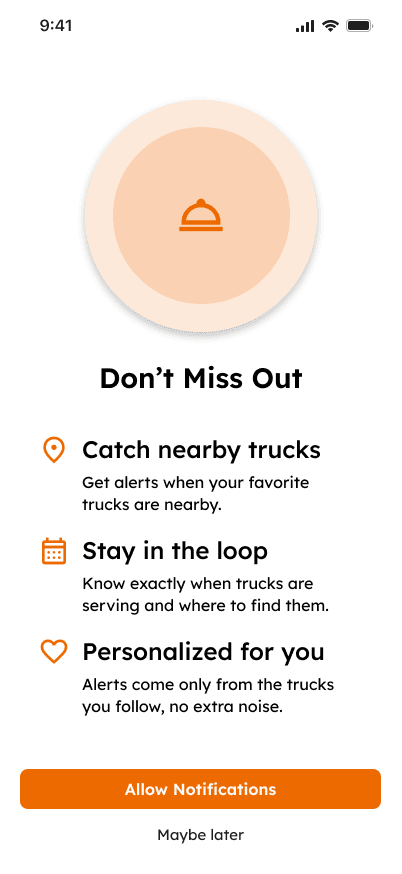
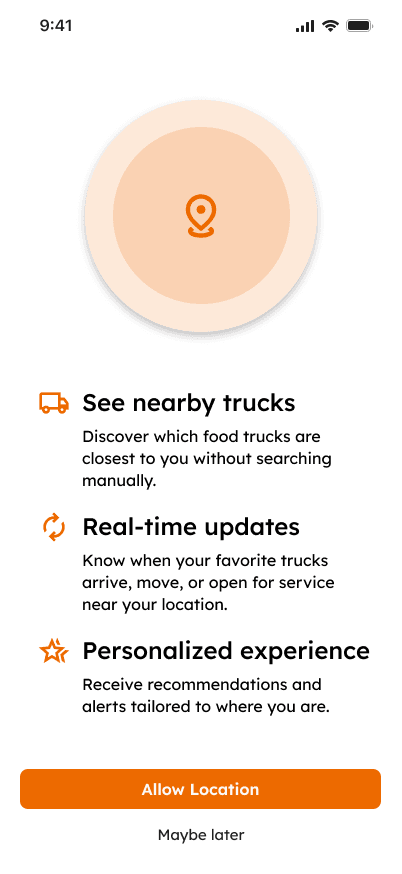
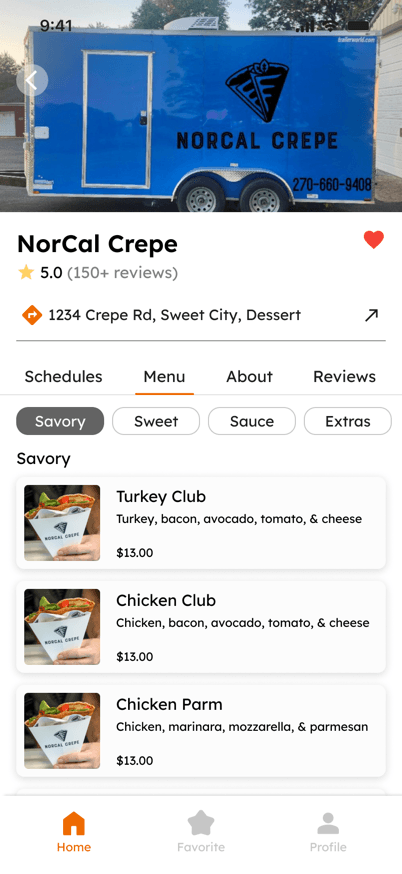
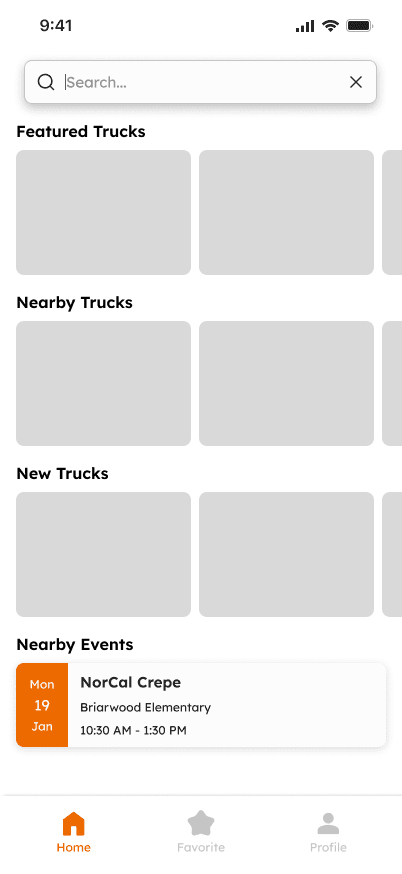
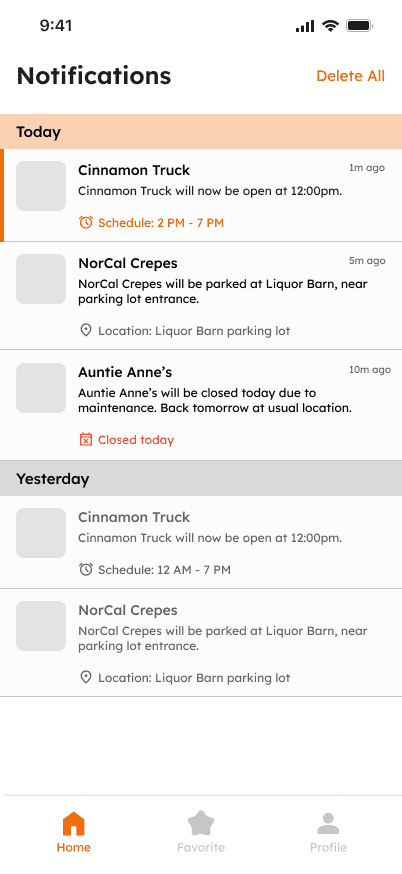
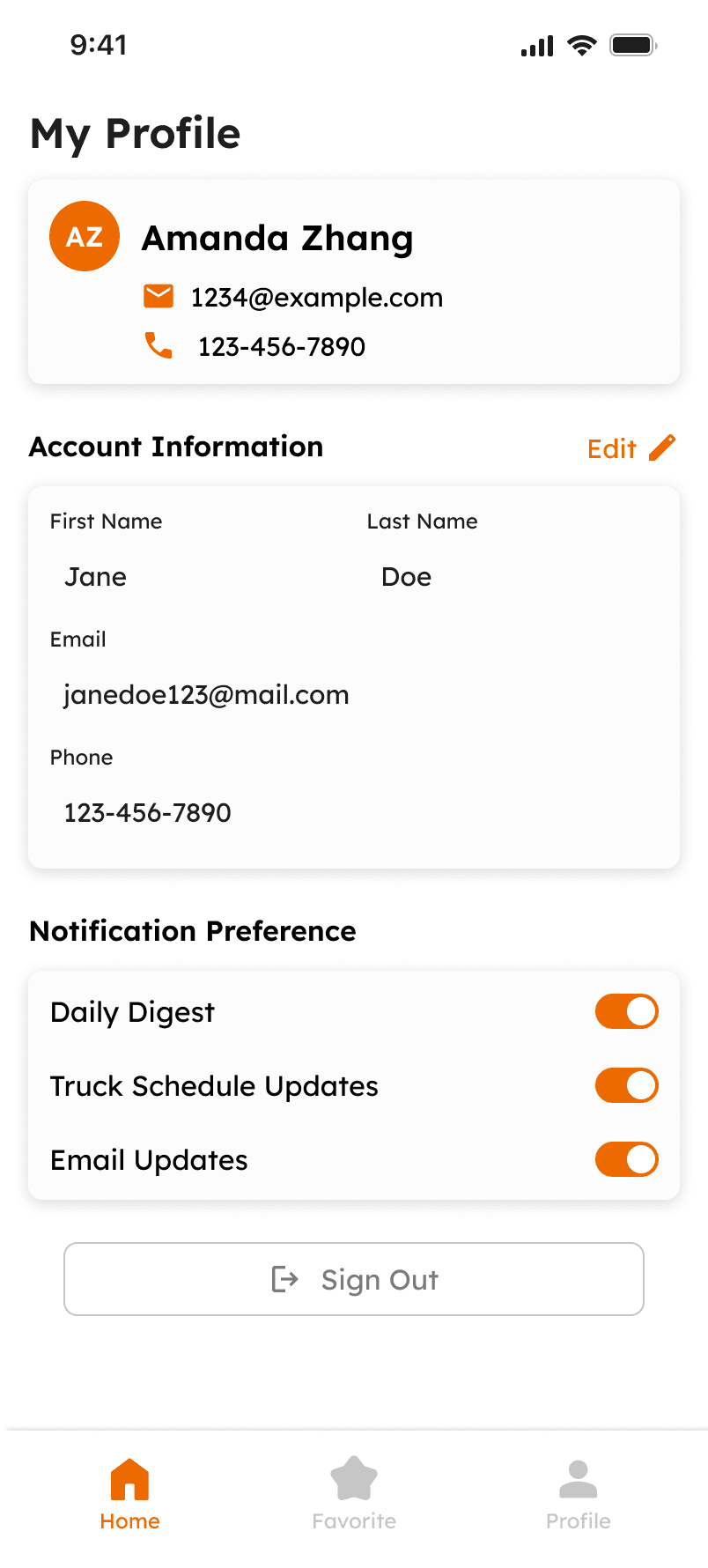
While the research was in progress, I drafted wireframes for a few key screens, mainly covering the flow from onboarding to viewing a food truck's profile.
High-Fidelity Wireframe
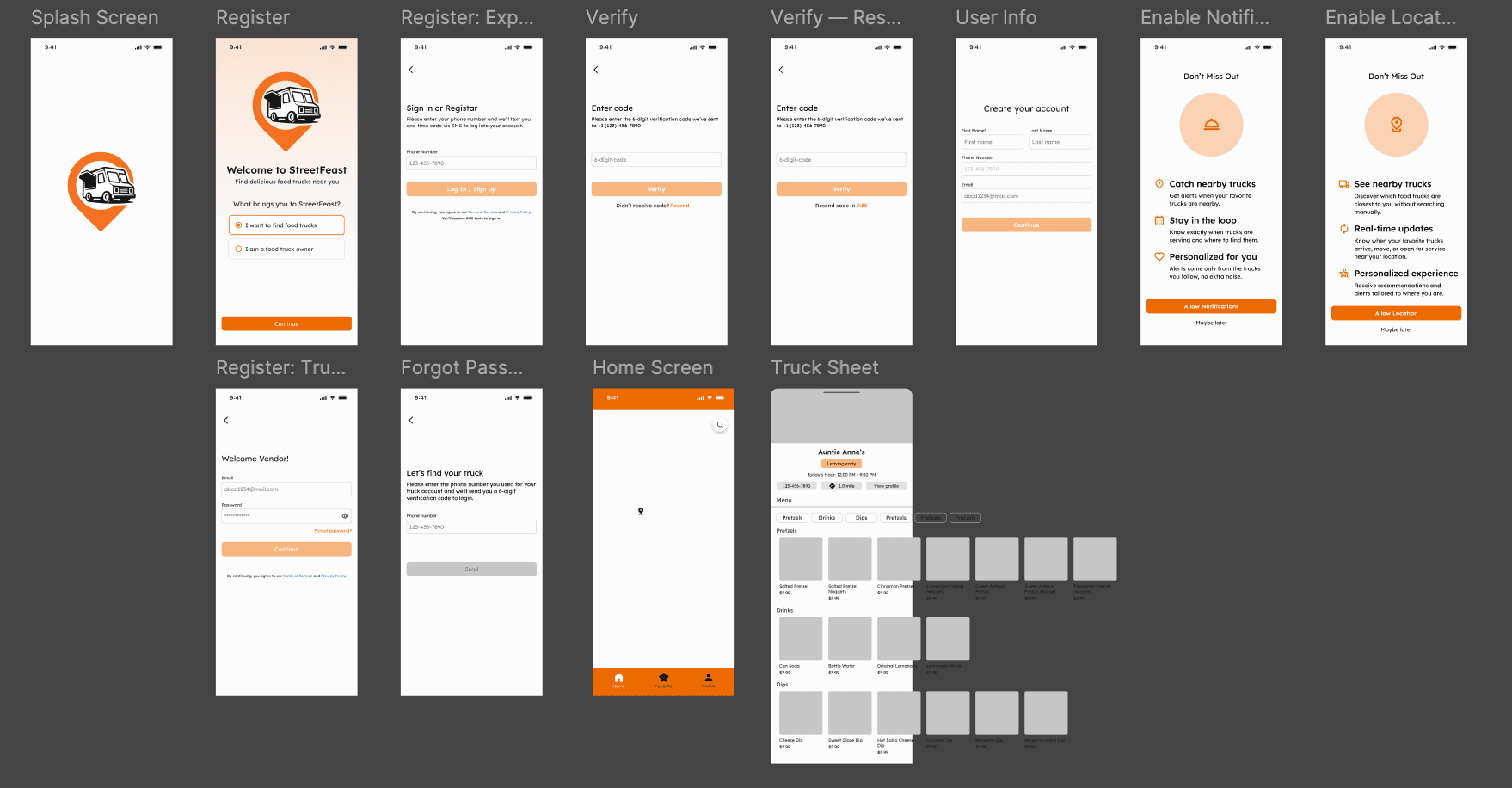
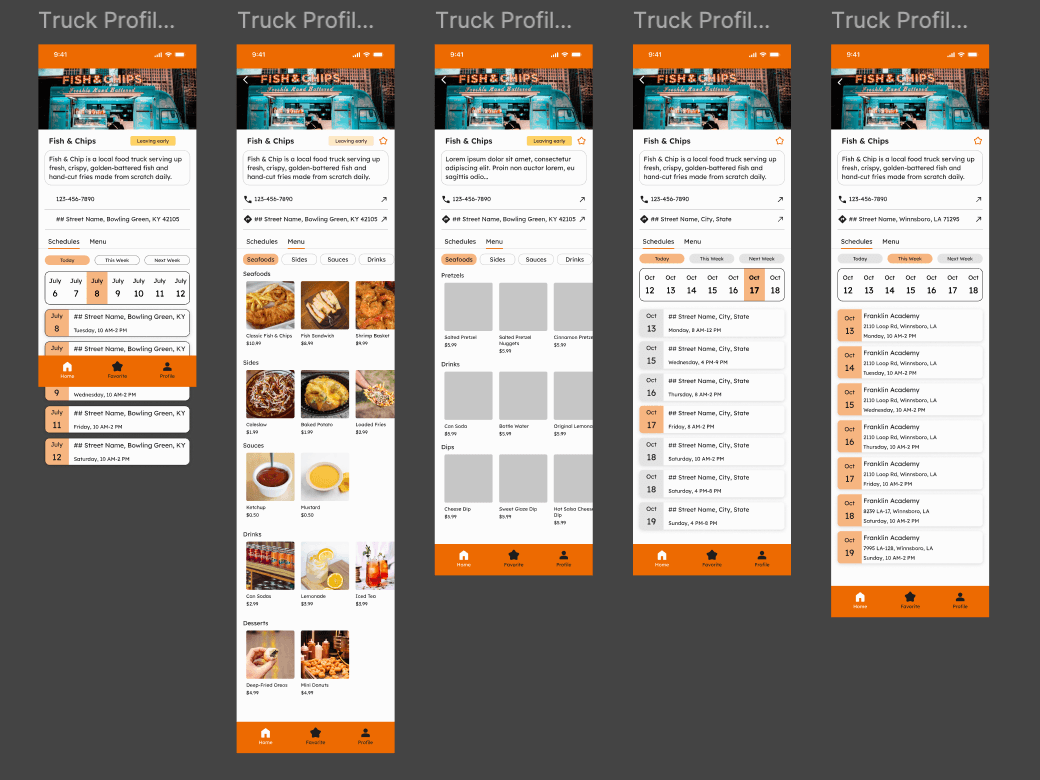
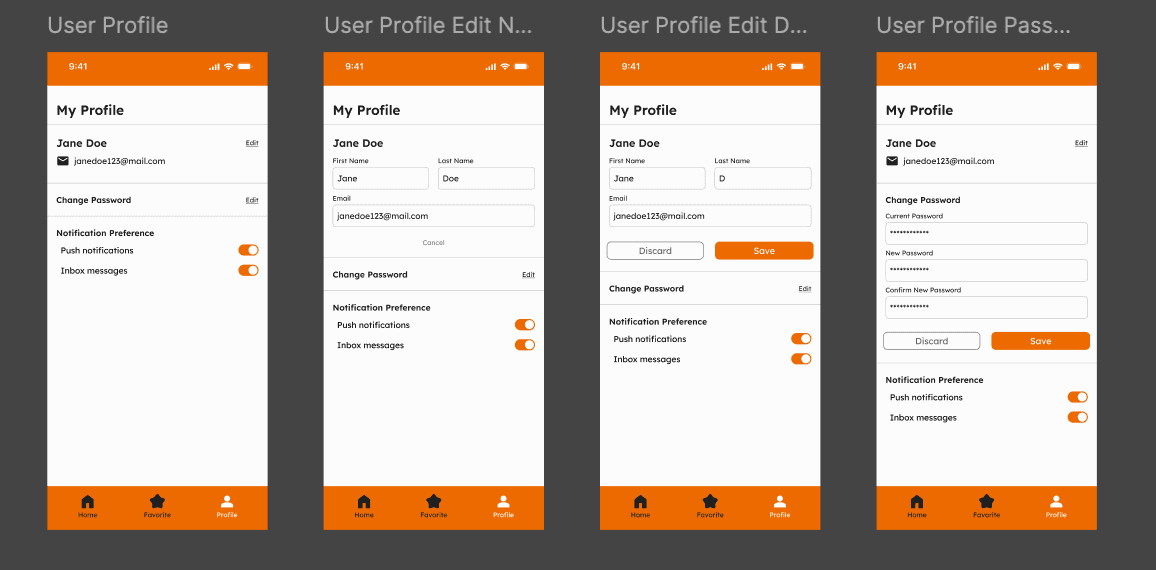
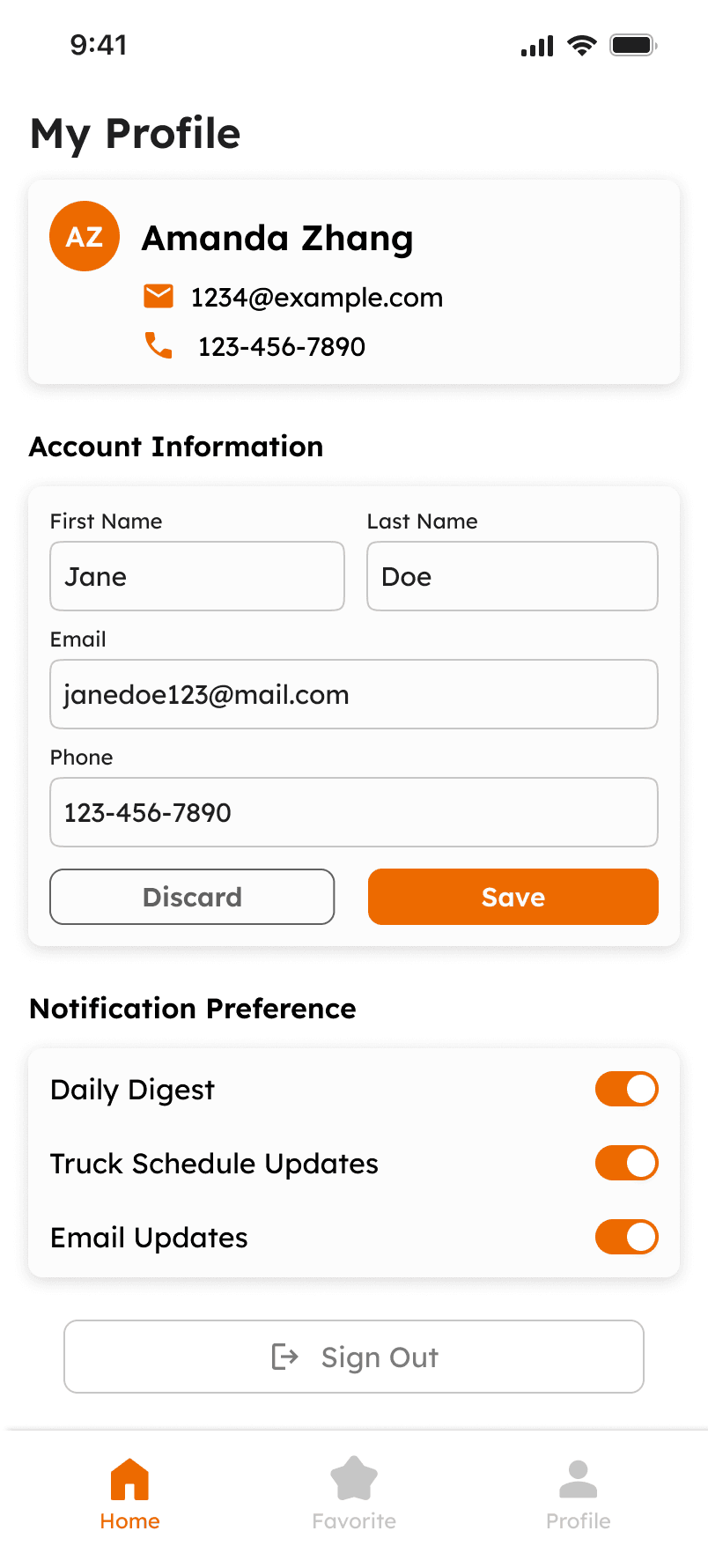
After discussing the wireframes with the developers, I moved into high-fidelity designs, made some structural changes, and added color. As the app was being developed, I continued refining the designs based on how they fit on different screen sizes.
Final Designs

Testing
Results
I conducted usability testing with 10 participants, a mix of students at Western Kentucky University and local food truck owners, and made small adjustments based on the results. The goal was to evaluate whether the flow allowed users to complete onboarding, easily search for food trucks, and view a truck's schedule and menu.
100%
Total Success Rate
10
Participants
9
Tasks